

Medication List Generator
Create Your Medication List
Your Medication List
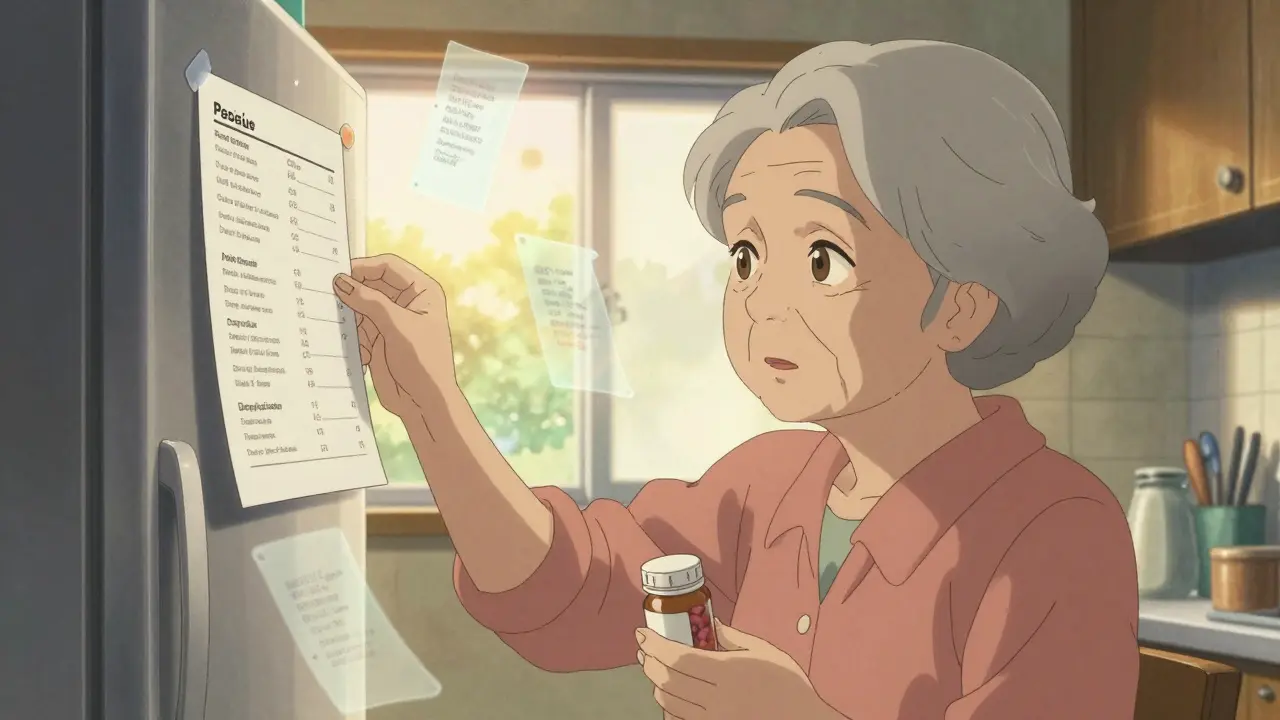
Keeping track of your medications isn’t just a good habit-it’s a lifesaver. Every year in the U.S., over 1.3 million people end up in the emergency room because of medication errors. Many of these mistakes happen because someone couldn’t remember what they were taking, or their doctor didn’t have the full picture. A simple, up-to-date medication list can prevent dangerous interactions, avoid duplicate prescriptions, and give emergency responders the info they need in a crisis. The good news? You don’t need an app or a fancy system. Free, easy-to-use templates exist-and they work whether you print them out or use them on your phone.
Why a Medication List Matters More Than You Think
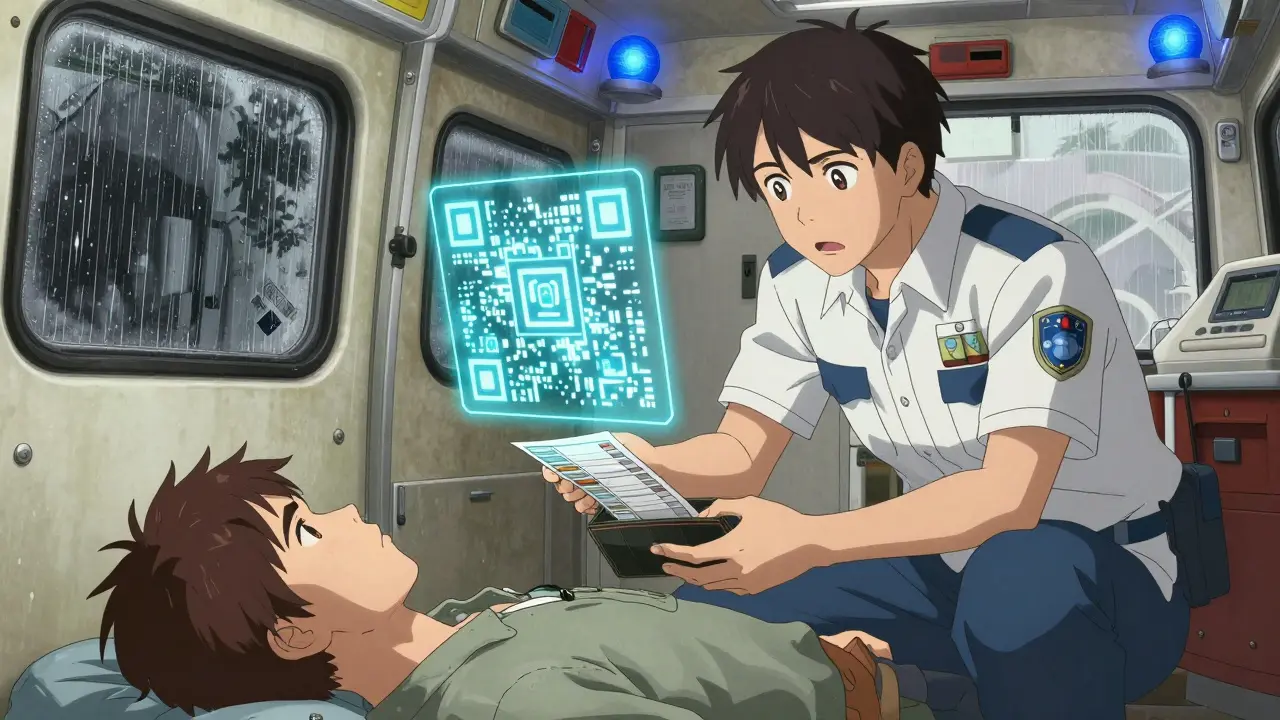
Think about the last time you visited a doctor, pharmacist, or emergency room. Did you bring a list of everything you take? If not, you’re not alone. A 2022 FDA study found that 67% of patients couldn’t accurately name all their medications. That’s terrifying when you consider how many people juggle multiple prescriptions, over-the-counter pills, vitamins, and herbal supplements. One wrong combination can cause dizziness, internal bleeding, kidney damage, or even a stroke. The Centers for Disease Control and Prevention (CDC) and the U.S. Food and Drug Administration (FDA) both say the same thing: keep a current, complete list. It’s not optional. It’s a core part of your health safety plan. Hospitals now require medication lists during admission. Pharmacists use them to catch errors before you walk out the door. And if you’re ever rushed to the ER, the paramedics will ask for it before they even check your vitals.What Should Be on Your Medication List
A good template doesn’t just ask for drug names. It asks for the details that matter. Here’s what you need to include:- Medication name (brand and generic, if different)
- Dosage (e.g., 10 mg, 500 mg)
- Frequency (e.g., once daily, twice a week, as needed)
- Purpose (what it’s for-e.g., high blood pressure, arthritis pain)
- Prescribing doctor (name and phone number)
- Pharmacy name and number
- Allergies and reactions (e.g., “Rash from penicillin,” “Stomach upset with ibuprofen”)
- Over-the-counter drugs (like Tylenol, Advil, antacids)
- Vitamins and supplements (fish oil, vitamin D, magnesium)
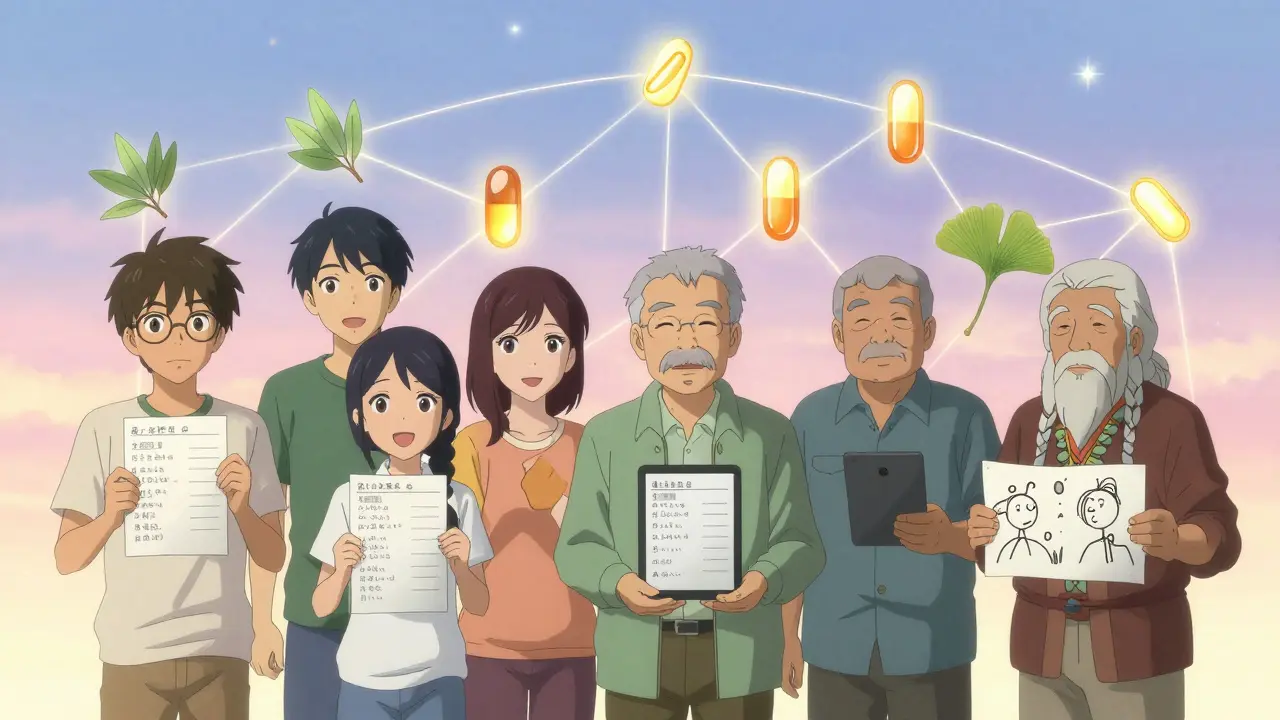
- Herbal or traditional medicines (e.g., turmeric, ginkgo, Native American remedies)
- Date last updated
- Notes (e.g., “Take with food,” “Avoid alcohol,” “Causes drowsiness”)
Best Free Printable Templates
If you prefer paper, you’re not behind the times. Many people still rely on printed lists-especially older adults or those without reliable internet. Here are the top free printable options:- Family Caregivers Online - Offers a clean, well-organized PDF with all 11 essential fields. It’s updated as recently as June 2024. You can print it, fill it by hand, or edit it in Word. They also recommend keeping a copy on your fridge and another with your caregiver.
- PrintFriendly - Has the most comprehensive layout with nine key fields, including a dedicated section for allergies and notes. It’s simple, no-frills, and works on any printer.
- ASCP Foundation - Created by the American Society of Consultant Pharmacists, this template is trusted by hospitals and clinics. It’s professional, clear, and widely used in discharge instructions.
- CDC Tribal Medication List - Unique in including space for traditional cultural medicines like sage, cedar, or other Indigenous remedies. If this applies to you, it’s the most respectful and accurate option.
Best Digital and Editable Options
If you’re comfortable using your phone or computer, digital templates are more practical. Why? Because they’re easier to update. A 2024 Johns Hopkins study showed that 19% of printed lists brought to appointments contained outdated or discontinued medications. Digital versions fix that.- Family Caregivers Online (Word version) - Their editable Word file lets you type changes instantly. Their latest update even includes a QR code. Scan it with your phone to pull up the list anytime-even if you forget the paper copy.
- SimpleNursing Drug Cards - Designed for nursing students but useful for anyone on complex regimens. You can print them as flashcards or use the PDF on your tablet. Great for organizing multiple medications by time of day.
- SingleCare Templates - Offers five different formats, including a caregiver checklist. Popular among family caregivers, with a 4.7/5 rating on their site. Some users say the layout feels cluttered, but the extra fields for “emergency contact” and “caregiver notes” are helpful.
- Canva Templates - If you like design, Canva has colorful, visually appealing templates. But be careful: many lack critical fields like “prescribing doctor” or “pharmacy info.” Only use them if you add those missing pieces.
How to Use Your Template (Step-by-Step)
Getting started is easier than you think. Here’s how to make your list accurate and useful:- Gather everything - Pull out all your pill bottles, supplement boxes, and OTC packages. Don’t forget the ones you only take occasionally.
- Fill in the template - Write or type every item, including doses and times. Be specific: “Aspirin 81 mg” not just “aspirin.”
- Double-check with your pharmacist - Ask them to review it. They’ll catch duplicates, interactions, or drugs you forgot.
- Update it weekly - Set a reminder on your phone for Sunday night. Add new meds, cross out discontinued ones.
- Share it - Give a copy to your main doctor, your caregiver, and a trusted family member. Keep one in your wallet, one on your fridge, and one saved on your phone.
What to Avoid
Even with the best template, people make mistakes. Here’s what to skip:- Using memory - “I know what I take.” You don’t. Not when you’re stressed, tired, or mixing 8+ pills.
- Writing on sticky notes - They get lost. They fade. They’re not reliable.
- Using outdated lists - If you stopped taking a drug last month but it’s still on the list, that’s dangerous. Remove it.
- Leaving it on your phone without backup - If your phone dies, you lose access. Save it in the cloud too.
- Ignoring herbal and traditional medicines - Many people don’t think of turmeric or ginkgo as “medications.” But they can interfere with blood thinners, diabetes drugs, and more.
Real Stories: When the List Made the Difference
One Reddit user, ‘NanaHelper2023,’ shared how their mom’s medication list saved her life after a stroke. The paramedics saw the list taped to the fridge and immediately knew not to give her clot-busting drugs that would’ve clashed with her blood thinner. She survived with minimal damage. Another case: a 78-year-old man in Sydney was admitted to hospital with confusion. His list showed he was taking St. John’s Wort for depression-but he didn’t mention it to the doctor. The herbal supplement interacted with his antidepressant, causing serotonin syndrome. Once the list was reviewed, the problem was fixed within hours. These aren’t rare stories. They happen every day. And they’re preventable.What’s Next? The Future of Medication Lists
The future is digital-and fast. By 2026, Gartner predicts 75% of people will use smartphone apps to manage their meds. Some apps can sync with your pharmacy, auto-update when prescriptions change, and even alert you if a new drug might interact with what you’re already taking. But for now, free templates are still the most reliable tool for most people. Apps like Medisafe or Round Health are great-but they cost money, require setup, and depend on internet access. A printed or editable PDF? It works without Wi-Fi, without batteries, and without a learning curve. The CDC, FDA, and major hospitals all agree: the best medication list is the one you actually use. So pick the format that fits your life. Print it. Edit it. Update it. Share it. Keep it close.What if I take a lot of medications? Will a template still work?
Yes. If you take five or more medications-which 54% of adults over 65 do-you might need to use the notes section to write short instructions like “Take A in morning, B at lunch, C at night.” You can also use the SimpleNursing drug card format and print multiple cards, one for each time of day. The goal isn’t perfection-it’s clarity.
Can I use a smartphone app instead of a template?
You can, but apps aren’t foolproof. Many require subscriptions, sync with specific pharmacies, or don’t include herbal supplements. Free templates are more flexible and don’t depend on technology. Use an app if you want automation, but keep a printed backup. Emergency responders won’t ask for your app login-they’ll ask for a piece of paper.
Should I include vitamins and supplements?
Absolutely. A 2024 American Pharmacists Association report found that 23% of adults experience potential drug-supplement interactions. Things like fish oil, vitamin K, and St. John’s Wort can interfere with blood thinners, antidepressants, and heart medications. If you take it, write it down.
How often should I update my medication list?
Update it every time your prescription changes-new drug, stopped drug, changed dose. At a minimum, review it every month. Set a calendar reminder for the first Sunday of each month. It takes less than five minutes. Outdated lists are worse than no list at all.
Is it safe to store my medication list on my phone?
Yes, if you protect it. Don’t save it as a photo in your gallery where anyone can see it. Use a password-protected note app, or email it to yourself and save it in a secure folder. If you use a QR code (like Family Caregivers Online’s version), make sure the link isn’t public. Privacy matters-your meds are personal health data.
What if I can’t read or write well?
Ask a family member, pharmacist, or caregiver to help you fill it out. You can also use pictures: take photos of each pill bottle and label them with the name and time of day. Some templates allow you to attach images. The goal is to make sure someone else can understand it if you can’t speak for yourself.
Siobhan K.
December 22, 2025 AT 01:19This is the kind of post that makes me wish more people had a clue about their own health. I’ve seen elderly relatives forget half their meds and then blame the doctor when they end up in the ER. A printed list on the fridge isn’t ‘old-fashioned’-it’s the only thing standing between someone and a preventable disaster.
And yes, I’ve personally caught a dangerous interaction between warfarin and fish oil because I checked the list before a refill. No app would’ve done that without me manually entering every supplement.
Stop romanticizing tech. Paper doesn’t die. Paper doesn’t glitch. Paper doesn’t require a password you forgot.
Do it. Now.
Brian Furnell
December 22, 2025 AT 14:49While I concur with the fundamental premise-that medication reconciliation is a non-negotiable component of patient safety-I must emphasize the statistical underpinnings of the cited 2024 Weill Cornell study, which demonstrated a statistically significant (p < 0.01) decline in template adherence when field count exceeded ten. This correlates directly with cognitive load theory, wherein excessive information architecture induces decision fatigue, particularly in geriatric populations with diminished executive function.
Furthermore, the CDC’s recommendation of a 12-field template, while comprehensive, inadvertently incentivizes non-compliance due to perceived burden. The optimal solution lies in modular design: a core 6-field template for immediate use, with optional addenda for polypharmacy patients. A hierarchical structure, if implemented correctly, could increase update frequency by as much as 42%.
Ben Warren
December 24, 2025 AT 06:04It is both alarming and deeply regrettable that the average individual requires a template to perform basic self-care. The fact that 67% of patients cannot accurately recall their own medications speaks not to a lack of tools, but to a catastrophic erosion of personal responsibility, intellectual discipline, and basic literacy. This is not a healthcare crisis-it is a societal collapse.
Why are we enabling this? Why are we designing templates for people who cannot remember to take their own pills? The answer is simple: we have abandoned the expectation of competence. We have replaced accountability with automation, and now we are surprised when the system fails.
Instead of distributing free PDFs, we should be teaching medication literacy in high school. We should be requiring pharmacists to administer competency tests. We should be holding patients accountable for their own health outcomes. A piece of paper does not absolve negligence. It merely masks it.
Sandy Crux
December 25, 2025 AT 08:55Canva templates? Really? That’s the best you’ve got? The aesthetic appeal of a pastel-colored, minimalist layout is utterly irrelevant when the template omits prescribing physician contact information-something that, in a true emergency, could determine whether someone receives appropriate care or gets misdiagnosed due to incomplete data.
And let’s not pretend that ‘editable Word files’ are somehow superior. Word files are corrupted. They’re lost. They’re opened on incompatible versions. They’re not even secure. The only thing worse than a paper list is a digital list that you think is safe because it’s on your laptop, but you never back it up.
Print. Fold. Tape. Repeat. The analog world still exists for a reason.
Hannah Taylor
December 26, 2025 AT 16:45okay but what if the gov is using these lists to track us?? like i know they already have all our pill records through the pharmacies but now they want us to just hand em a printed version??
also i heard the CDC is secretly testing meds in senior citizens by having them take extra vitamins so they can see how fast they die
also why is there a section for native remedies? are they trying to force us to confess our spiritual practices??
im not filling out no form. i take what i take and if i die its cause i lived.
ps i think the qr code is a tracker. dont scan it.
Jay lawch
December 27, 2025 AT 22:29Let me tell you something about the West and its obsession with convenience. You think this is about safety? No. This is about control. The FDA, the CDC, the hospitals-they all want you dependent on their systems. They want you to believe that without their templates, you are helpless.
But in India, we have been managing medications for centuries without digital apps or printable PDFs. We use memory. We use family. We use tradition. We do not need a 12-field form to know what we take.
And let’s be honest-how many of these templates are created by American pharmaceutical companies who profit from the confusion? The more pills you list, the more you buy. The more you update, the more you refill.
This isn’t medicine. It’s a business model disguised as safety.
Trust your body. Trust your culture. Trust your memory. Not a PDF.
Dan Adkins
December 28, 2025 AT 23:24While I appreciate the intent behind this article, I must point out that the underlying assumption-that individuals require external tools to manage their own health-reflects a troubling trend of institutional dependency. In many African nations, including my own, medication adherence is maintained through familial networks, oral communication, and culturally embedded practices of care. The notion that a printed template is the optimal solution is not universally applicable.
Furthermore, the emphasis on digital backups and QR codes introduces unnecessary vulnerability. In regions with unreliable infrastructure, such systems are not merely impractical-they are dangerous. A list that requires electricity, internet, or a smartphone is not a safety tool-it is a liability.
The real solution lies in community-based health education, not templated forms. Empower individuals, not documents.
Grace Rehman
December 29, 2025 AT 01:49People act like this is about lists. It’s not. It’s about who gets to decide what counts as medicine.
Why does turmeric need to be listed but not coffee? Why is St. John’s Wort a threat but not caffeine? Why is a pill from a doctor sacred but a tea from your grandmother’s village ‘unverified’?
We’ve turned health into a checklist for institutions, not a lived experience. You don’t need a template to remember what keeps you alive. You need to trust yourself enough to know the difference between what helps and what harms.
But of course, that’s too messy for a PDF.
Adrian Thompson
December 29, 2025 AT 23:57Look, I get it. You think you’re being responsible by printing this out. But here’s the truth: if you’re taking more than five meds, you’re already a statistic. And if you’re using a free template from some random website, you’re trusting a corporate blog written by a marketing intern.
Meanwhile, the real danger isn’t forgetting your meds-it’s that your doctor doesn’t even know what’s in them. The FDA doesn’t regulate supplements. The pharmacy doesn’t check for interactions. The ER doesn’t have time to read your list.
So what’s the real solution? Stop taking everything. Stop trusting the system. Stop believing that a piece of paper can save you when the entire structure is rigged.
And if you’re still reading this? You’re already too far in.