

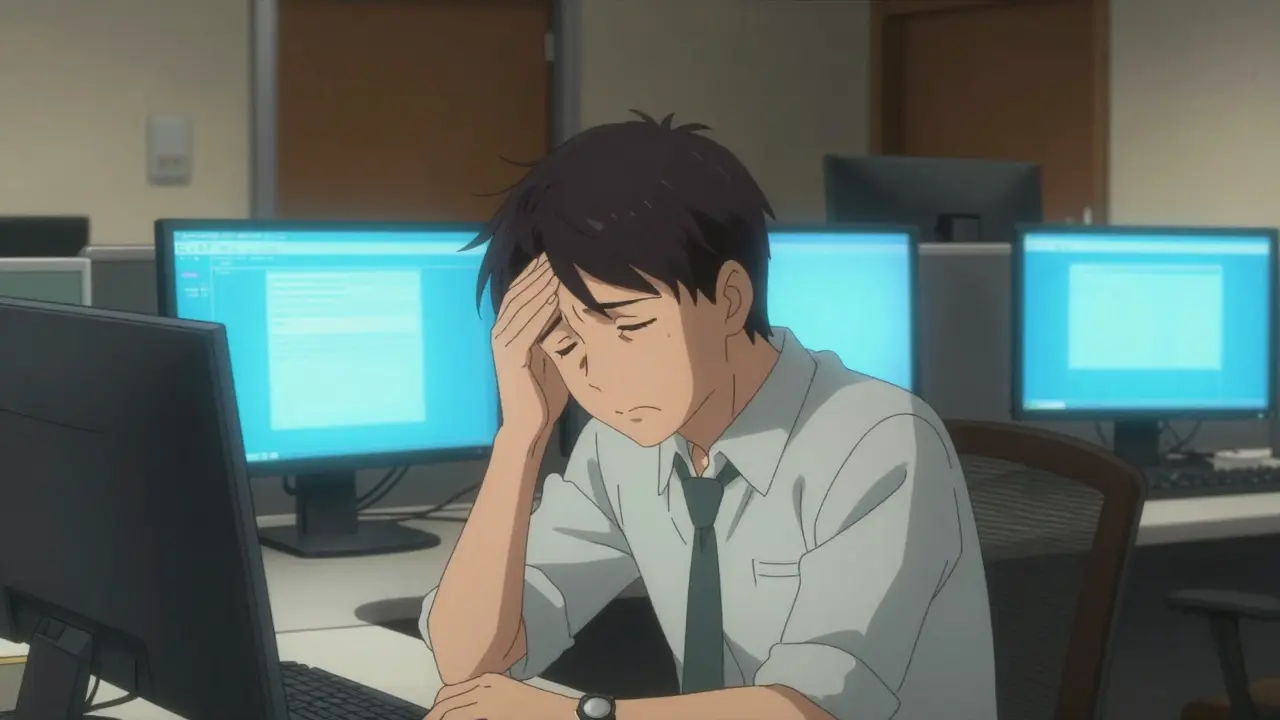
The reality is that our eyes weren't designed to stare at a backlit piece of glass for eight hours straight. When you focus on a screen, your ciliary muscles stay in a constant state of tension. To make matters worse, the contrast on a screen is lower than on printed paper, forcing your eyes to work harder. Perhaps the biggest culprit is your blink rate. Normally, we blink about 15 times a minute, but when we're locked into a screen, that drops to about 5. That 66% decrease in blinking is why your eyes feel like sandpaper by 3 PM.
The Warning Signs of Digital Eye Strain
CVS doesn't usually hit all at once. It creeps up on you. You might start by noticing a slight blur when you look away from the screen, or a dull ache behind your eyes. According to data from the National Institutes of Health, over 64% of computer users report significant eye strain, but there are other red flags to watch for:
- Chronic Headaches: Often felt as a tension band around the forehead, reported by about 43.8% of users.
- Dry, Irritated Eyes: A gritty feeling caused by the lack of blinking and tear film instability.
- Physical Pain: Neck and shoulder stiffness from "tech neck," where you lean toward the screen.
- Blurred Vision: Difficulty focusing on distant objects after a long session of close-up work.
If you spend more than two continuous hours a day at a screen, you're in the high-risk zone. It's especially common for those over 40 who are dealing with Presbyopia, the age-related loss of near-focusing ability, which makes digital work even more taxing.
The 20-20-20 Rule: Your First Line of Defense
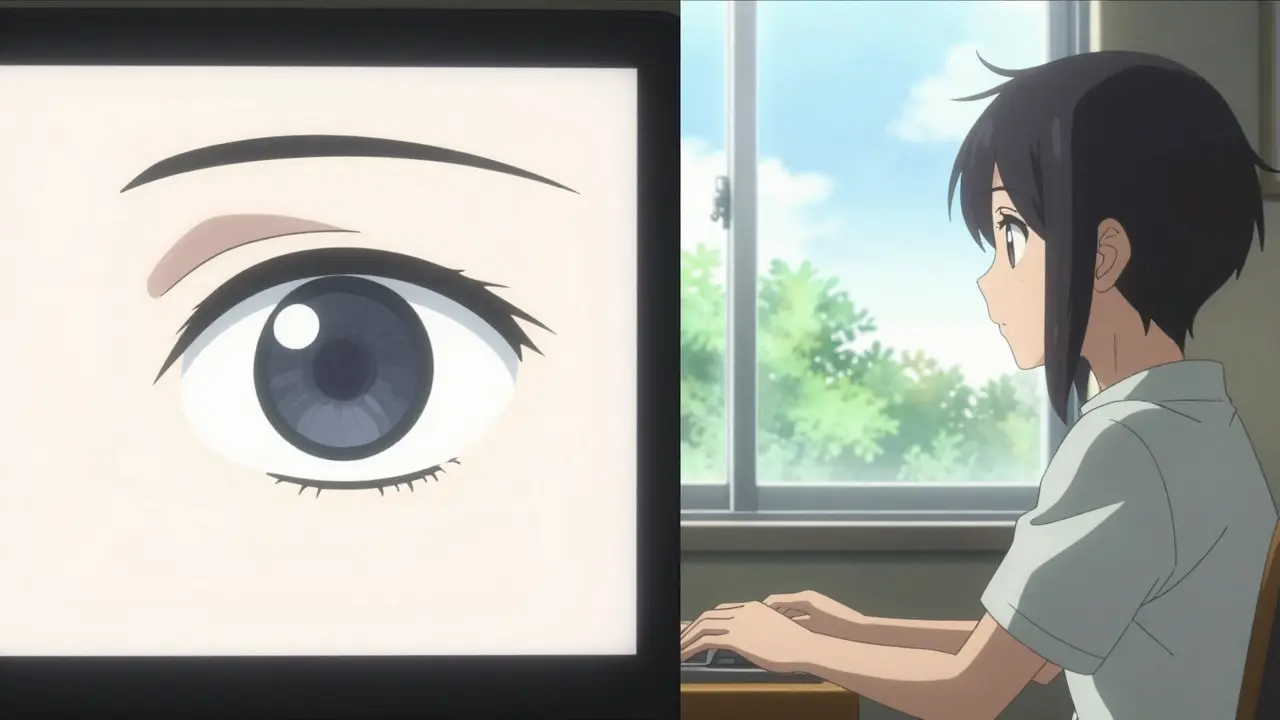
If you only change one thing about your habits, make it this. The 20-20-20 rule is the gold standard for eye health in the digital age. It's simple: every 20 minutes, look at something 20 feet away for at least 20 seconds.
Why does this work? It forces those overworked ciliary muscles to relax. Think of it like stretching your legs after a long flight; your eyes need to "stretch" their focus to avoid fatigue. Clinical observations suggest this habit alone can reduce symptoms by over 50%. If you struggle to remember, try using a free reminder app like EyeLeo or Time Out to nudge you when it's time for a break.
Optimizing Your Digital Workspace
Your desk setup might be the secret reason your eyes hurt. Most people pull their monitors too close or tilt them at awkward angles. To fix this, you need to focus on a few specific measurements.
First, check your distance. Your eyes should be about 20 to 28 inches (50-70 cm) from the screen. A quick way to test this is to extend your arm; the screen should be roughly at the length of your arm or slightly further. If you're too close, you're straining the eye muscles; too far, and you're squinting to read.
Next, look at the height. The top of your monitor should be at or slightly below your eye level. You want a downward gaze of about 15 to 20 degrees. This position is more natural for the eyes and reduces the amount of the eyeball exposed to the air, which helps keep your eyes moist.
| Factor | Recommended Setting | Impact on Health |
|---|---|---|
| Viewing Distance | 20-28 inches | Reduces focal strain |
| Screen Height | Top of screen at/below eye level | Decreases dry eye & neck pain |
| Ambient Lighting | 300-500 lux | Prevents glare and contrast loss |
| Blink Rate | Full blink every 4-5 seconds | Increases tear film stability by 40% |
Dealing with Light and Glare
Lighting is often overlooked, but harsh overhead fluorescent lights or a window reflecting off your screen can destroy your contrast. When glare hits your monitor, it can reduce the perceived contrast by up to 50%, making your brain work harder to decipher characters. Aim for ambient light between 300 and 500 lux-softer than standard bright office lighting.
Then there is the debate over Blue Light Filtering. You've likely seen the glasses or the "Night Light" modes on Windows and macOS. These tools block a portion of high-energy visible blue light (specifically in the 400-455nm range). While some experts, including the American Academy of Ophthalmology, argue that the evidence for these glasses is limited, many users report a significant reduction in eye fatigue. Whether it's a placebo or a physiological fix, using built-in software filters to warm up your screen color in the evening can help your circadian rhythm and reduce harshness.
Medical Interventions and Professional Care
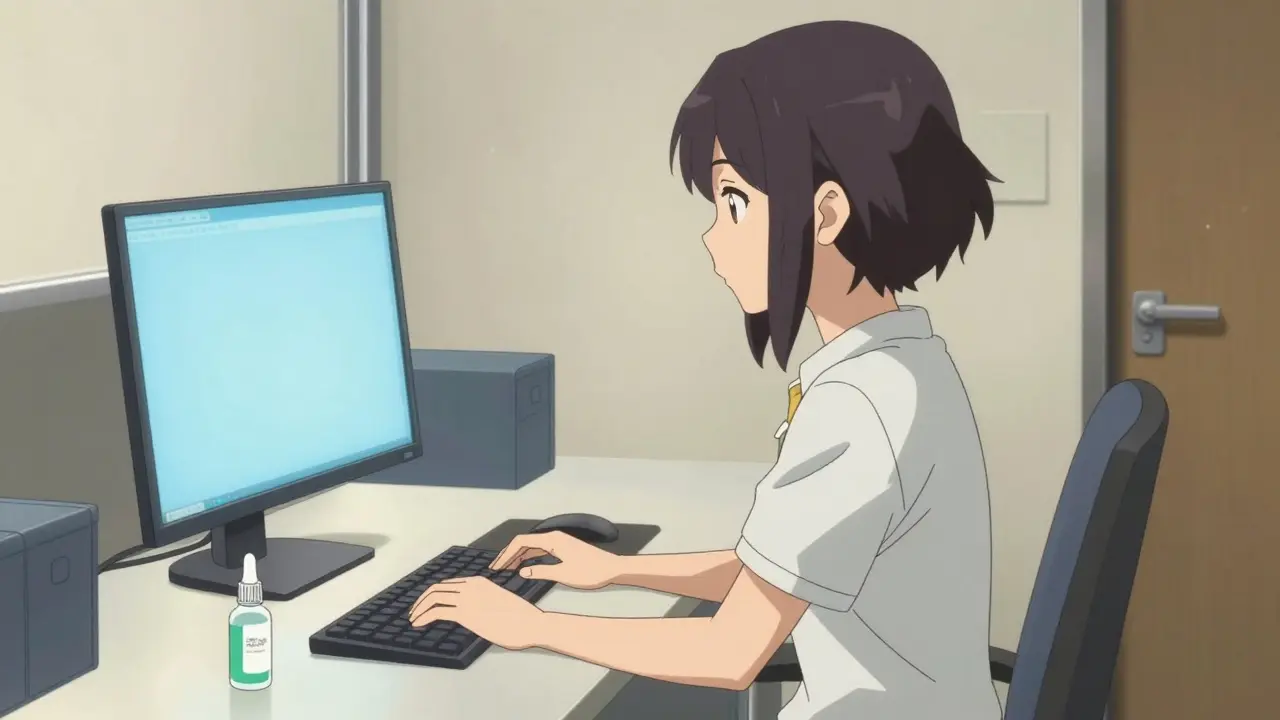
Sometimes a break and a better chair aren't enough. If your eyes feel chronically dry, Artificial Tears are a lifesaver. Look for preservative-free lubricating drops. Using these 2-4 times a day can provide immediate relief for that "sandy" feeling. In more severe cases, the FDA has approved specialized prescription drops like EYSUVIS to treat digital-related dry eye.
The most critical step, however, is a professional exam. About 70% of CVS cases are actually caused by uncorrected vision problems. You might have a slight astigmatism or early presbyopia that you don't notice in daily life, but becomes a major problem when you're staring at a screen for eight hours. A computer-specific prescription-glasses designed specifically for the distance between your eyes and your monitor-can eliminate the root cause of the strain.
Practical Checklist for Daily Prevention
To keep your vision sharp and your head clear, try to implement these habits over the next few weeks. It usually takes about 2-3 weeks to make these ergonomic changes a natural part of your day.
- Measure Your Space: Use a tape measure to ensure you are 20-28 inches from your screen.
- Adjust the Tilt: Move your monitor so you are looking slightly downward.
- Sync Your Brightness: Set your screen brightness to match the light in your room (usually 50-70% of max).
- Active Blinking: Consciously make a full blink every few seconds.
- Scheduled Breaks: Set a timer for the 20-20-20 rule.
Do blue light glasses actually work for eye strain?
The results are mixed. Some clinical trials show a 28% reduction in strain, while organizations like the American Academy of Ophthalmology suggest the benefits may be minimal compared to clear lenses. However, many users with pre-existing dry eye report significant relief. The most effective approach is usually combining filters with ergonomic changes rather than relying on glasses alone.
Can digital eye strain cause permanent vision loss?
CVS typically causes temporary symptoms like blurriness, dryness, and headaches. While it doesn't cause permanent blindness or structural damage to the eye, the chronic strain can make existing vision problems worse and significantly impact your quality of life and productivity.
Why do my eyes feel drier when using a computer?
It happens because your blink rate drops by about 66% when focusing on a screen. Instead of the usual 15 blinks per minute, you only blink about 5 times. This prevents the eye from being properly lubricated, causing the tear film to evaporate and leaving your eyes feeling dry and irritated.
Is the 20-20-20 rule really effective?
Yes. By looking 20 feet away every 20 minutes, you allow the ciliary muscles in your eyes to relax from their contracted state. This has been shown to reduce symptoms of digital eye strain by over 50% in various clinical observations.
How often should I get an eye exam if I work on a computer?
The American Optometric Association recommends a comprehensive eye exam every 12 months for regular computer users. This is because uncorrected vision issues are a primary driver of CVS, and a computer-specific prescription can drastically reduce fatigue.